
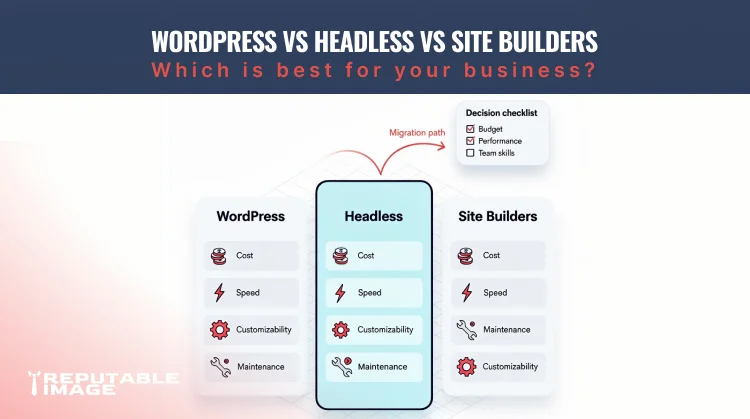
Choosing between WordPress vs headless vs site builders is one of the earliest technical decisions a small business makes — and it affects cost, speed, SEO, team workflow, and maintenance for years. Each approach has clear strengths and tradeoffs: WordPress is feature-rich and familiar; headless architectures prioritize performance and flexibility; site builders (Wix, Squarespace, Webflow) offer speed and low upkeep. This guide breaks down the differences practically and gives a short checklist to help you pick the right fit.
WordPress is a traditional CMS where the content management and front-end rendering live in the same system; it powers a large share of the web and has plugins for many needs. Headless means content is managed in a CMS or data source but delivered via APIs to a separate front-end (Jamstack, Next.js, etc.), decoupling presentation from content. Site builders are hosted platforms where design, hosting, and content editing are bundled into a single, low-code experience.
WordPress’s biggest win is ecosystem: themes, plugins, page builders, and a large talent pool make it fast to prototype and extend. For businesses that need blogging, memberships, e-commerce (WooCommerce), or frequent editorial updates, WordPress is practical and cost-effective. However, plugin bloat, maintenance overhead, and hosting configuration can become a drag if you don’t manage updates and security actively.
Headless setups excel at performance and flexibility. By serving pre-rendered pages or using incremental static regeneration, sites become fast and scale well under traffic spikes. They also allow modern front-end frameworks (React, Vue) and integration into complex ecosystems (apps, POS systems). Headless is ideal when you need highly customized experiences, omnichannel publishing, or tight control over front-end architecture.
Site builders are best when you need something quick, visually consistent, and low-maintenance. Hosting, SSL, content editing, and responsive design are built-in; non-technical teams can update content without developer help. For small portfolios, local services, and temporary campaign microsites, a builder reduces cost and eliminates long-term maintenance concerns — although customization is more limited.
Expect lower initial costs with site builders (monthly fee + template customization). WordPress sits in the middle: development and plugin costs vary widely but many small businesses can be live in weeks. Headless projects usually require higher upfront engineering time and cost to set up the publishing pipeline, CDN, and build/deploy workflows. Factor maintenance into your total cost of ownership: WordPress needs regular updates, headless requires pipeline upkeep, and builders are subscription-managed.
Headless and static-first sites usually win performance metrics out of the box, which helps SEO and Core Web Vitals. WordPress can be fast with careful hosting, caching, and asset optimization, but underperforming configurations are common. Site builders have optimized hosting stacks, but advanced SEO customizations or structured-data needs may be limited. Choose the approach that matches your SEO goals and the team’s ability to implement optimizations. For practical tips on measuring UX and SEO after platform changes, see Using Analytics to Improve UX.
If your team relies on non-technical editors, WordPress and site builders offer familiar WYSIWYG workflows. Headless often requires a more structured editorial process and might need custom editing interfaces or headless CMS training. Consider who will publish daily and how frequently content changes — easier editing generally means faster content velocity.
Site builders shift maintenance to the vendor — updates, backups, and security are managed for you. WordPress requires active maintenance: plugin updates, theme patches, backups, security scanning, and hosting tweaks. Headless shifts security responsibilities to the hosting/CDN and backend, but you still own CI/CD and deployment safety. Match your platform to the level of technical support you can realistically provide. To understand ongoing maintenance tasks and schedules, see Website Maintenance for Small Business.
When to pick which...
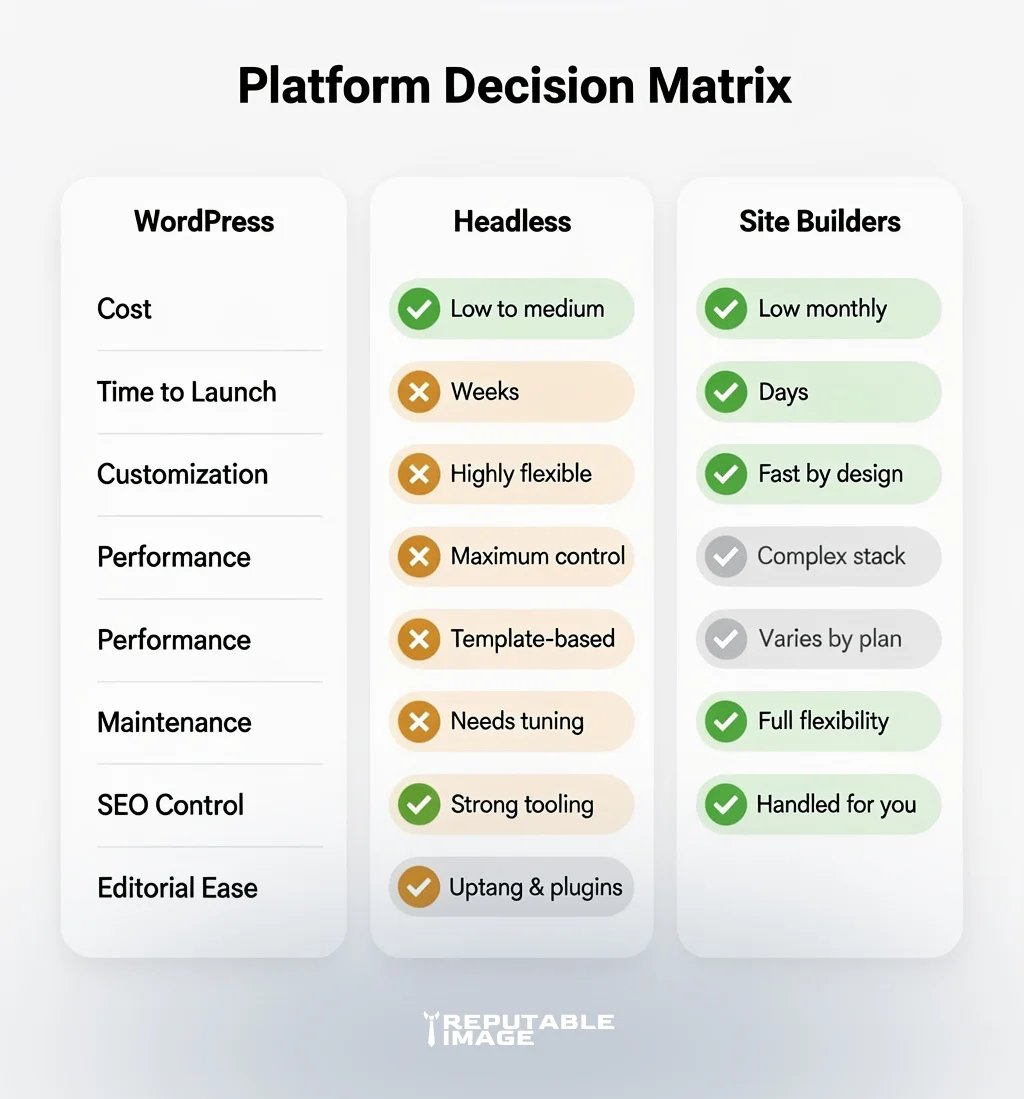
Use this checklist to map out goals to platform tradeoffs.
Site builders shift maintenance to the vendor — updates, backups, and security are managed for you. WordPress requires active maintenance: plugin updates, theme patches, backups, security scanning, and hosting tweaks. Headless shifts security responsibilities to the hosting/CDN and backend, but you still own CI/CD and deployment safety. Match your platform to the level of technical support you can realistically provide.
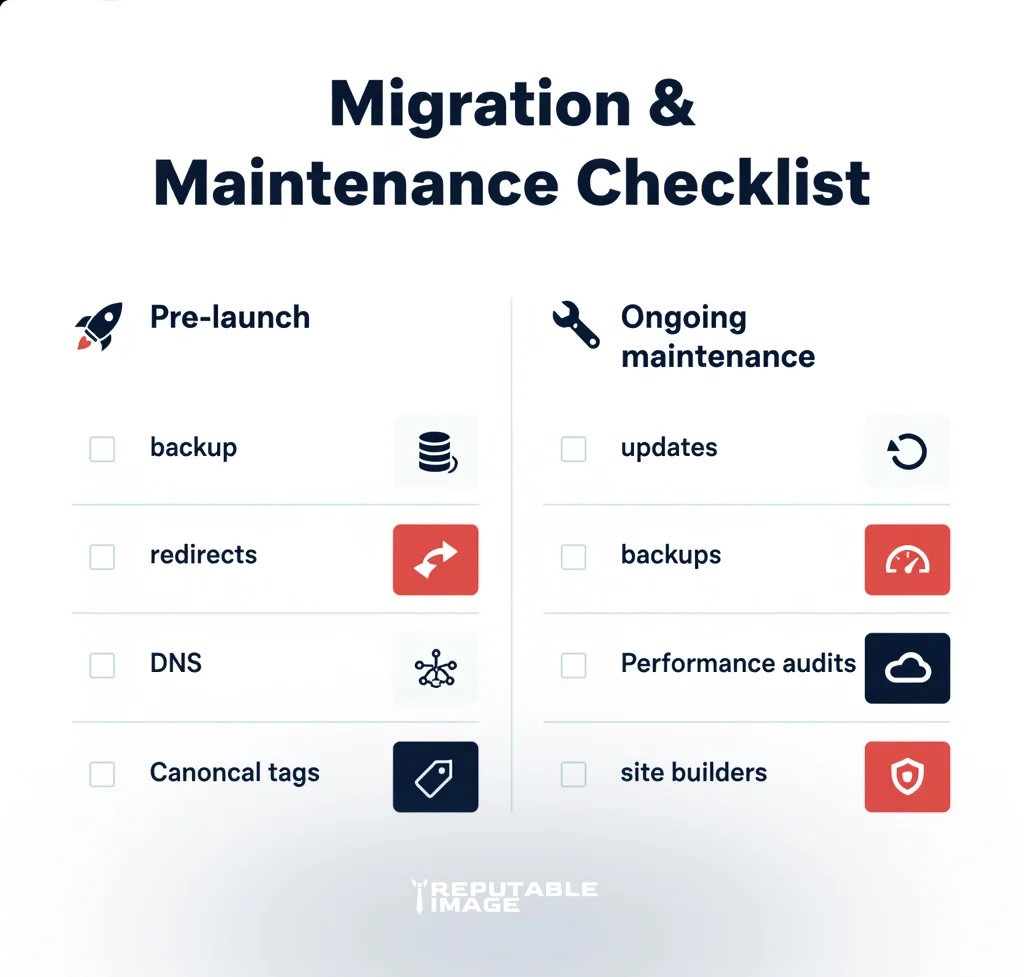
Implementation & governance tips (2-3 bullets)
Implementation & Governance Tips
Choosing the right platform shapes your site’s cost, speed, and growth potential — it’s a decision worth getting right. At Reputable Image we can assess your needs, prototype the best approach (WordPress, headless, or a site builder), and handle migrations or managed hosting so the switch is smooth and low-risk. Click the button below to get in touch for a free consultation and we’ll map a prioritized plan to get your site running the way your business needs.
