
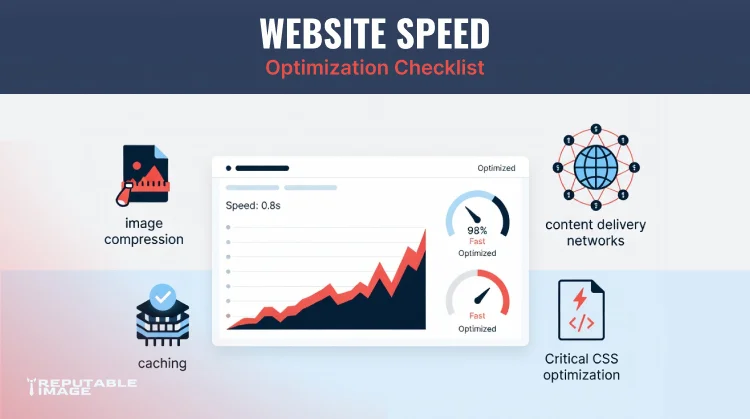
In today’s digital landscape, speed isn’t just a technical metric—it’s a direct driver of revenue, trust, and growth. When a visitor lands on your website, you have mere seconds to capture their attention. If your pages are slow to load, they’ll likely hit the back button and choose a competitor instead. In fact, research from Google shows that 53% of mobile users abandon a site that takes longer than 3 seconds to load, and a 1-second delay in load time can reduce conversions by up to 7%.
But the impact doesn’t stop at lost sales. Website speed is a confirmed ranking factor in Google’s algorithm, especially with the rollout of Core Web Vitals—a set of real-world performance metrics (Largest Contentful Paint, Interaction to Next Paint/First Input Delay, and Cumulative Layout Shift) that measure how fast and stable your site feels to users. Sites that deliver faster, smoother experiences are rewarded with higher visibility in search results, while slower sites fall behind.
The good news? You don’t need a complete website overhaul to see meaningful improvements. Most speed issues can be solved with a focused, strategic approach that combines smart asset management, modern web technologies, and ongoing performance monitoring. In this in-depth guide, we’ll walk you through exactly how to do it—covering image optimization, browser caching, Content Delivery Networks (CDNs), critical CSS, and the ongoing testing process that keeps your site fast for the long haul.
Your website is often the first interaction a potential customer has with your brand. A slow, clunky experience creates instant friction and erodes credibility. On the flip side, a fast, responsive site feels professional, trustworthy, and easy to do business with. Faster load times lead to longer sessions, more pages viewed, higher engagement, and ultimately more conversions—whether that’s a purchase, a phone call, a form submission, or a booking. To improve mobile usability and performance, read Mobile First Design: Best Practices.
Since 2010, Google has used page speed as a ranking signal for desktop search, and in 2018 it expanded that to mobile. Now, with Core Web Vitals integrated into its ranking systems, performance is more important than ever. Specifically:
Improving these metrics doesn’t just please Google—it creates a better experience for your actual customers.
Over 60% of global web traffic now comes from mobile devices, often on variable cellular networks. Mobile users are less tolerant of delays, and Google uses mobile-first indexing (ranking your site based on its mobile version). Optimizing for speed on mobile is no longer optional.
Speed optimizations like caching, compression, and CDNs reduce the number of requests hitting your server and the amount of data transferred. That means lower bandwidth bills, reduced strain on your hosting plan, and better performance during traffic spikes (sales, promotions, viral content).
The bottom line: Investing in website speed is investing in your visibility, your customer experience, and your profitability.
If you audit most slow websites, oversized images are almost always a major culprit. A single uncompressed hero image can weigh several megabytes, delaying everything else on the page.
Actionable Image Optimization Strategies:
Pro Tip: Run a free audit with Google PageSpeed Insights or Lighthouse. It will pinpoint specific oversized images and suggest exact fixes.
Browser caching allows a visitor’s browser to store static files (logos, CSS, JS, fonts, images) locally so that on their next visit, the browser can load them from the local device instead of re-downloading. This can cut load times dramatically for returning users.
How to Implement Strong Caching:
Impact: Returning visitors often experience near-instant page loads, boosting engagement, repeat purchases, and loyalty.
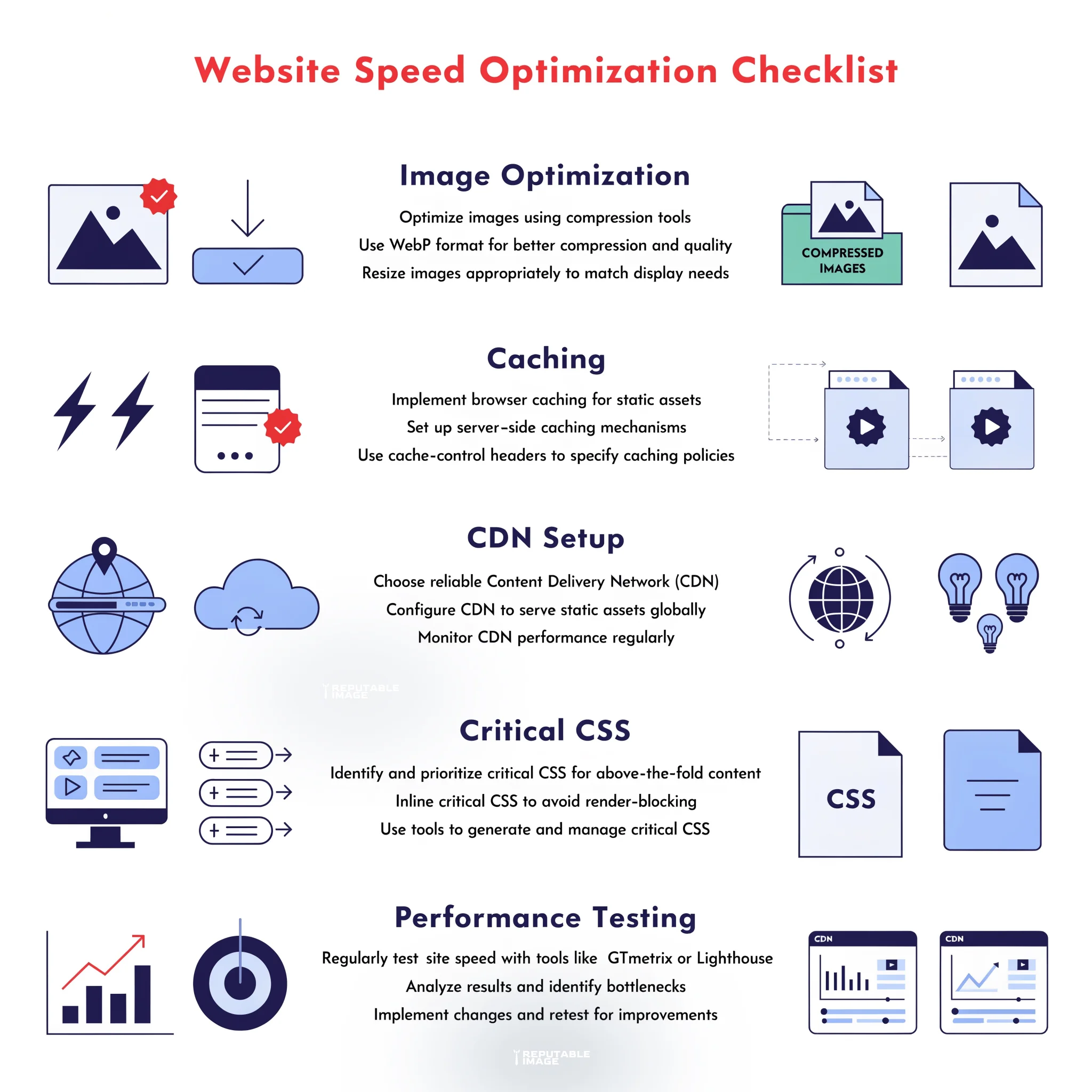
A CDN is a geographically distributed network of servers that cache and deliver your website’s static (and sometimes dynamic) content from the location closest to each user. Instead of every visitor hitting your single origin server (which might be in New York while a user is in Sydney), they get files from a nearby edge server.
Key Benefits of a CDN:
Getting Started: Cloudflare offers a generous free plan that’s perfect for many small businesses. Setup is often as simple as changing your DNS nameservers. Paid CDNs can provide more advanced features for high-traffic sites.
One of the most frustrating user experiences is a blank white screen while a browser waits to download and parse a large CSS file. Critical CSS solves this by prioritizing the styles needed to render the visible portion of the page (above the fold) first, then loading the rest later.
Result: Users see meaningful content much faster, which dramatically improves perceived performance and boosts your LCP score—a direct SEO benefit.
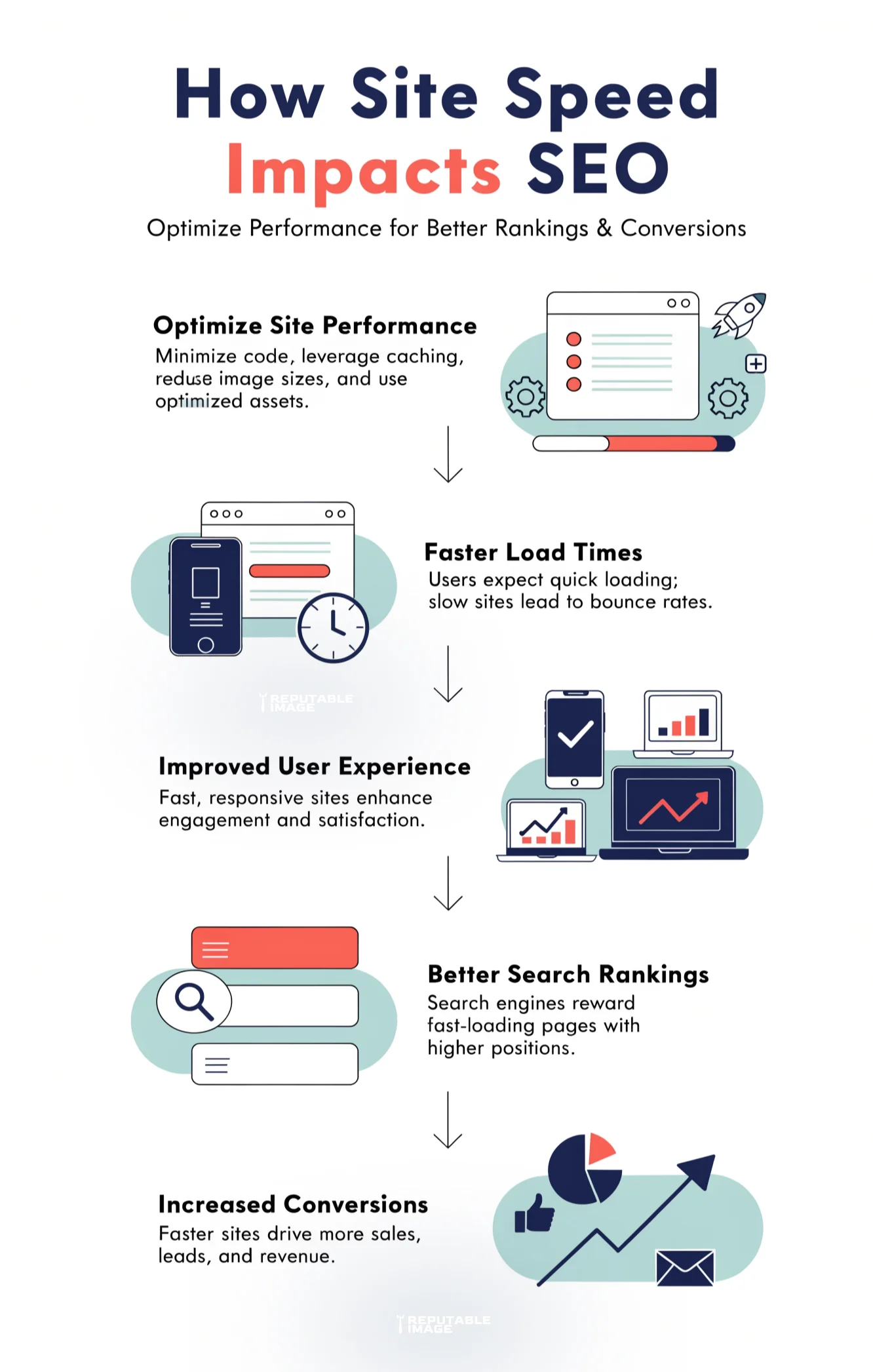
To build a truly fast website, layer these additional techniques on top of the core four:
Your website isn’t static. New images, plugins, themes, blog posts, and third-party tools can slowly degrade performance over time. That’s why continuous monitoring is essential. To learn more about website optimization strategies, read Site Speed Checklist.
Essential Performance Testing Tools:
Create a Simple Maintenance Routine:
Website speed is one of the most powerful levers you can pull to improve your online performance. By optimizing images, enabling browser caching, leveraging a CDN, implementing critical CSS, and committing to regular testing, you create a faster, more reliable experience that delights users and ranks higher in search.
The businesses that win online are the ones that remove friction. A lightning-fast website removes friction at the very first click—giving you a competitive advantage that compounds over time.
At Reputable Image, we specialize in helping businesses unlock this advantage. Our team takes a data-driven approach to website performance, identifying your biggest speed bottlenecks and implementing proven optimization strategies tailored to your site and industry. From technical fixes to ongoing monitoring, we help you build a website that loads fast, converts better, and climbs the rankings.
Ready to improve your site speed, strengthen your SEO, and attract more customers? Click below to Call for SEO help and get started with a free website performance consultation today.
