Best Hosting For Small Businesses Guide 2025 | Reputable Image Blog Post
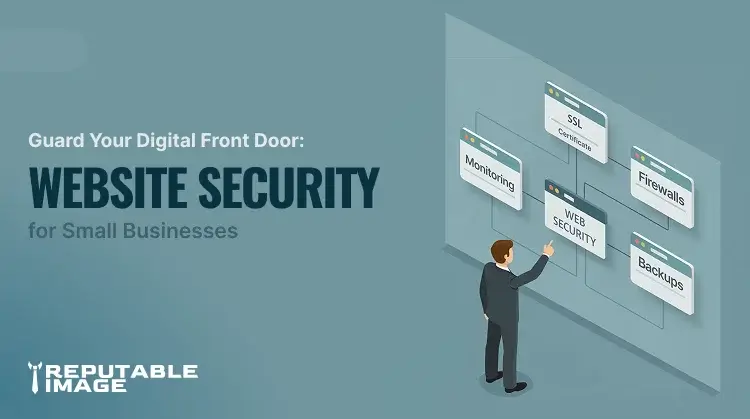
Small business owner looking at a board with different nodes of web security.
  • November 4, 2025


Guard Your Digital Front Door:
Website Security for Small Businesses

Your website is your digital storefront. It’s where customers learn about you, place orders, and form their first impression of your business. But what happens when that digital front door is left unlocked? For too many small businesses, that’s exactly the situation — and hackers know it.

A single security breach can knock a website offline, steal customer data, or wipe out years of hard-earned trust. Yet many small business owners still believe cybercriminals only go after big corporations. The truth? Hackers love small targets — because they’re often the easiest ones to hit.

In today’s digital economy, website security isn’t optional. It’s as critical as locking up your physical store at night.


1. The Real Threat Landscape for Small Businesses

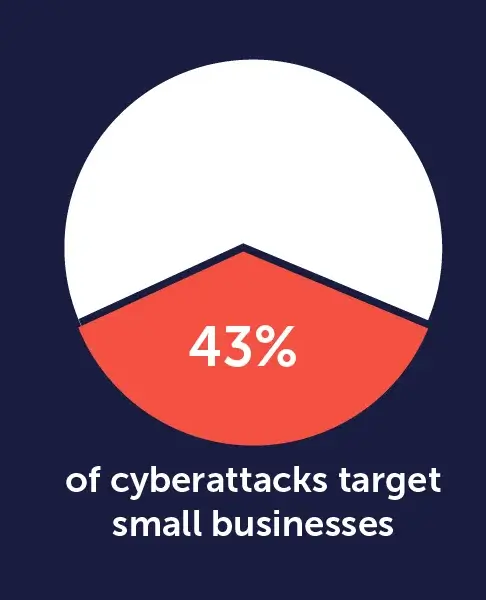
According to multiple cybersecurity reports, over 40% of cyberattacks target small businesses, and that number keeps growing each year. Hackers know small companies typically lack the IT budgets and security teams that big firms rely on. That makes small business websites a prime hunting ground.
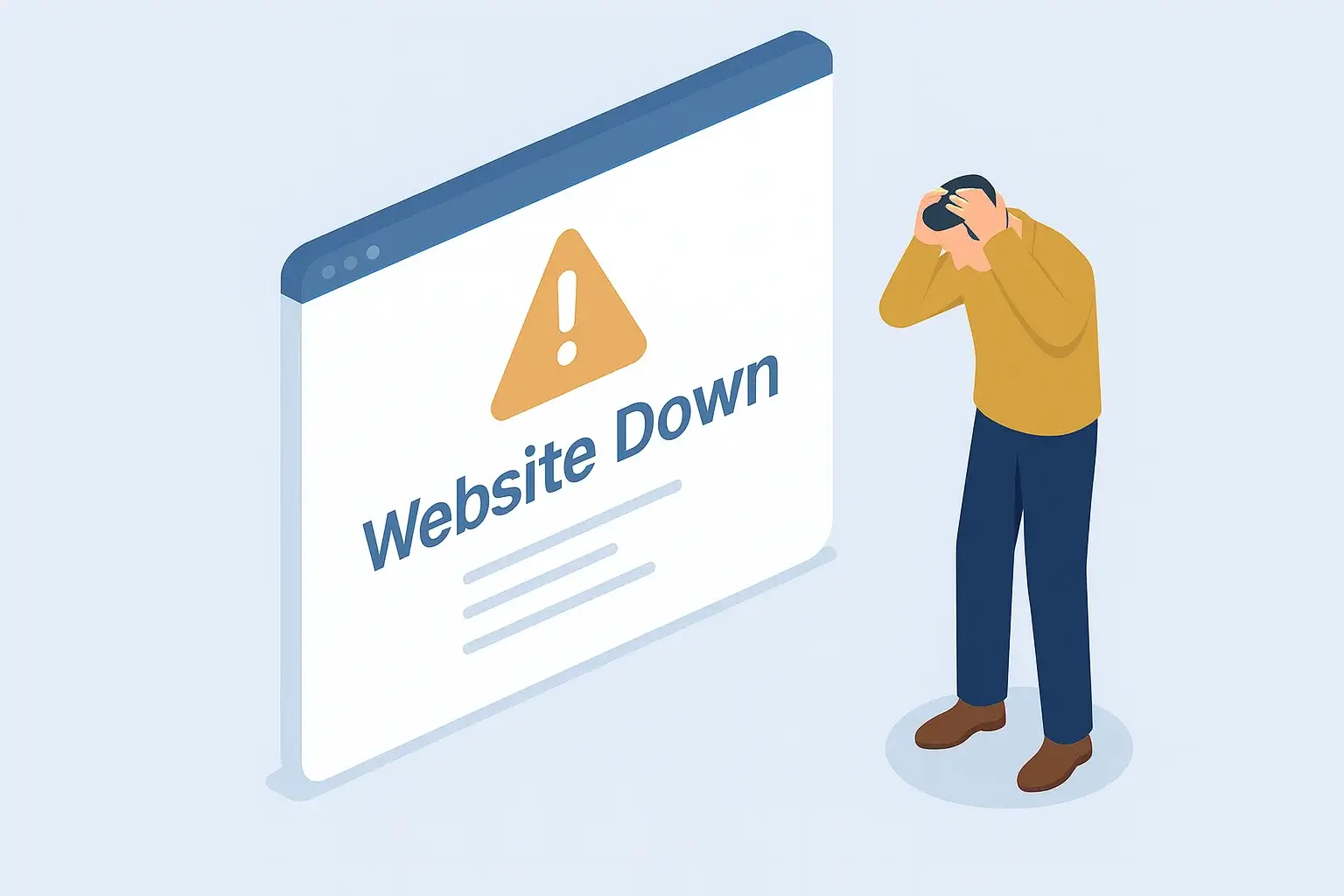
Small business owner holding his head in frustration after his website went down.
    Common Attacks include:
  • Phishing and malware injections — Tricking users or injecting malicious code through outdated plugins or forms.
  • Ransomware — Locking you out of your own website until you pay a ransom.
  • Website defacement — replacing your homepage with spam or propaganda.
  • Data theft and payment fraud — stealing customer information, credit card data, or login credentials.

Even a short downtime can hurt sales and reputation. A hacked site can lose hundreds or thousands in just a few days — not to mention the cleanup costs.

Hackers often use automated bots that scan the web for outdated software, weak passwords, and unsecured forms. So even if your business isn’t “famous,” your site can still be randomly flagged as a vulnerable target.

2. The Hidden Costs
of a Compromised Website

Small business owner holding his head in frustration after his website went down.
    her's what a single incident can mean for a small business:
  • Revenue loss — your site may go offline for hours or days, cutting off online sales or bookings.
  • Reputation damage — customers lose trust fast when they see “This site may be hacked” warnings.
  • SEO penalties — Google may flag or delist infected sites until the issue is fixed.
  • Legal exposure — if customer data is compromised, you could face compliance violations or lawsuits.
  • Operational chaos — time and focus shift from growth to emergency recovery.

Imagine a local boutique that relies on its website for online orders. One morning, the owner discovers it’s redirecting to a phishing site. In a single weekend, she loses her site traffic, her customers’ trust, and several thousand dollars in orders. Recovery takes weeks — and that’s if she can afford a developer’s help right away.

Website security isn’t just about protecting data — it’s about protecting your reputation, revenue, and peace of mind.


3. What Strong Website Security Looks Like

You don’t need to be a cybersecurity expert to secure your site. What you do need is a set of basic safeguards that work together to protect your business. Think of them as digital locks, alarms, and insurance combined.
Small business owner holding his head in frustration after his website went down.
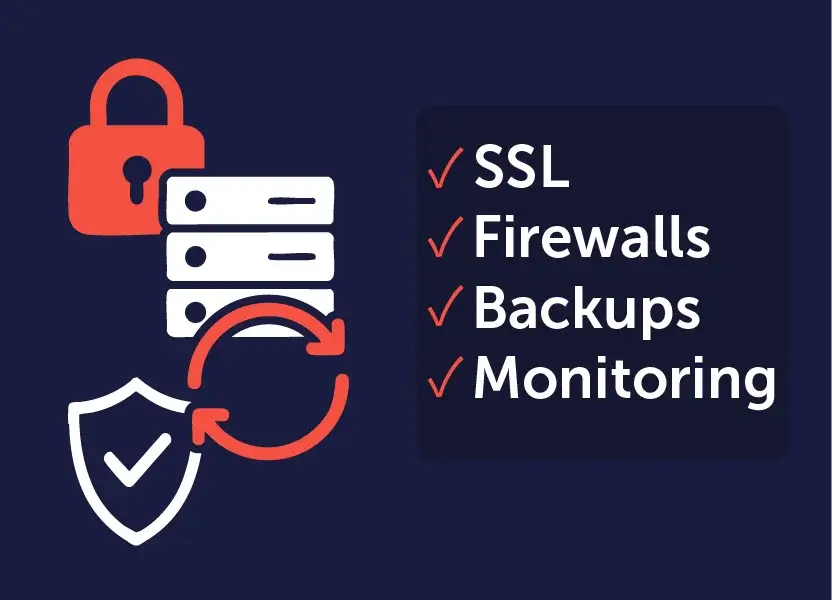
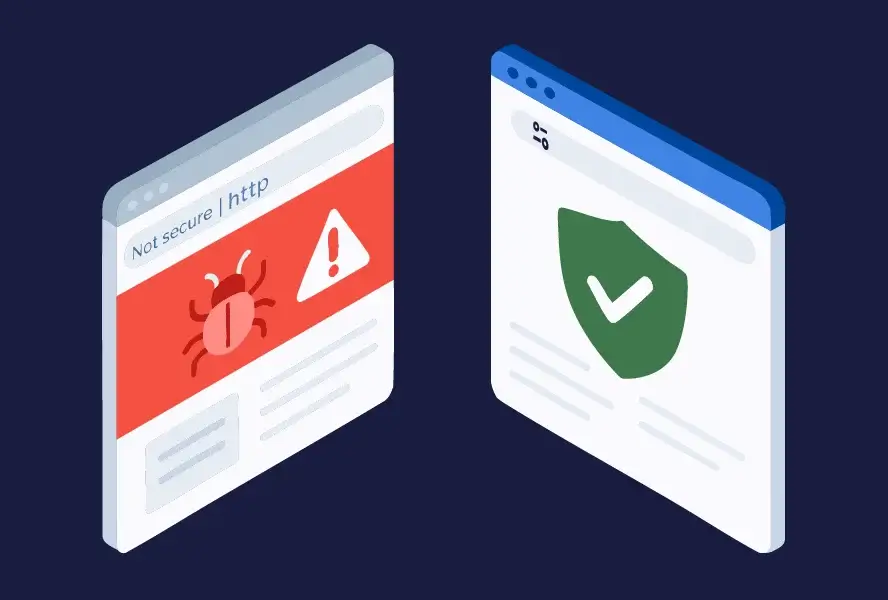
  • SSL Certificates (HTTPS): This is the tuner icon next to your web address, which used to look like a padlock. It encrypts data between your site and visitors, protecting logins and payments. It also boosts SEO and customer trust.
  • Regular Software and Plugin Updates: Outdated WordPress themes, CMS systems, or plugins are hacker goldmines. Set reminders or automate updates to patch known vulnerabilities.
  • Strong Password and Access Management: Use complex passwords and a password manager. Limit admin access only to those who need it. Turn on two-factor authentication wherever possible.
  • Web Application Firewall (WAF): A WAF acts like a security guard between your site and the internet, blocking suspicious traffic before it reaches your server.
  • Automated Backups and Recovery Plans: Regular backups ensure that even if you’re hacked, you can restore your site quickly. Store backups offsite or in the cloud.
  • Malware Scanning and Monitoring Tools: Services like Sucuri, Wordfence, or your web host’s security suite can continuously scan for infections or unauthorized changes.

Security isn’t a one-time setup — it’s an ongoing process. Just like physical maintenance keeps your store safe, digital maintenance keeps your website protected.


4. Building Trust Through Security

Website security isn’t just about defense — it’s about trust.

When visitors land on your site, they subconsciously ask: Can I trust this business with my data?

A secure site answers that question before they even think to ask.
Small business owner holding his head in frustration after his website went down.

Trust indicators such as:

  • The HTTPS tuner icon (which replaced the padlock)
  • Clear privacy and return policies
  • Recognized payment gateways
  • Up-to-date design and professional hosting
  • … all tell customers you’re serious about protecting their information.

On the flip side, even small security red flags — like browser warnings or outdated plugins — can send customers running. A single “Not Secure” message in Chrome is enough to stop most users from completing a purchase.

In short: security builds credibility. A secure site doesn’t just protect your business — it sells for you.


5. Practical Steps for Small Business Owners

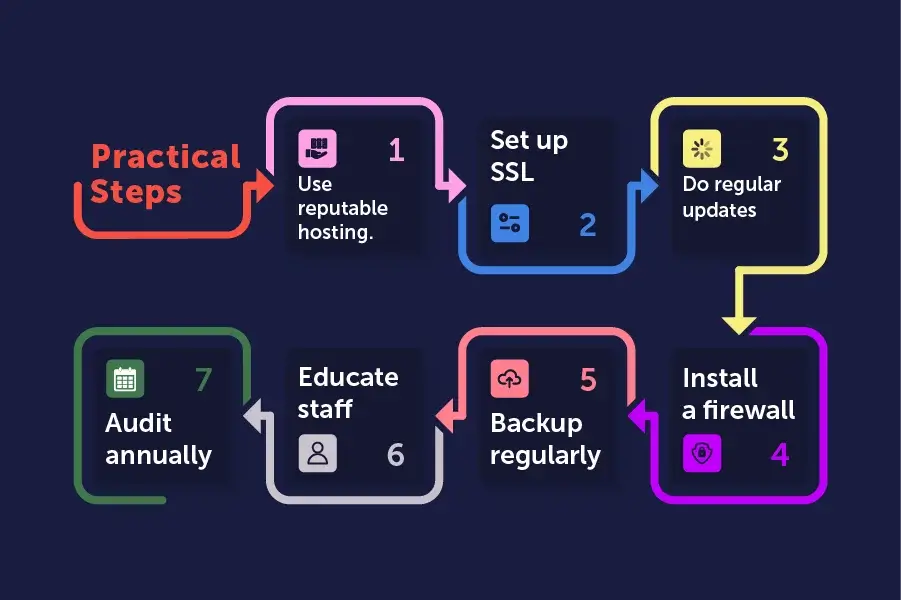
You don’t need a full IT department to secure your website. Here’s a quick-start checklist you can put in motion today:
Small business owner holding his head in frustration after his website went down.
  1. Choose a reliable hosting provider that includes firewalls, malware protection, and SSL.
  2. Install an SSL certificate — free from Let’s Encrypt or included with your hosting.
  3. Update everything — your CMS, plugins, and themes should never be outdated.
  4. Set up automatic backups to an external location (daily or weekly).
  5. Install a firewall plugin (Wordfence, Sucuri, or your host’s option).
  6. Use strong, unique passwords and two-factor authentication.
  7. Train your staff to recognize phishing attempts and avoid suspicious links.
  8. Limit login attempts to block brute-force attacks.
  9. Regularly monitor your site’s uptime and health with a free tool like UptimeRobot.
  10. Test your recovery plan — make sure you can restore a backup if needed.
  11. Most of these steps are low-cost or free — and they dramatically cut your risk.

6. When to Get Professional Help

For some small businesses, DIY protection isn’t enough. If your website handles payments, stores customer data, or supports eCommerce, you’ll want professional help.

Consider hiring a managed security service or a web development agency that offers ongoing protection. They can:

  • Monitor your site 24/7
  • Run security audits
  • Patch vulnerabilities before hackers find them
  • Ensure compliance with data privacy regulations (GDPR, CCPA, PCI-DSS)

If your business grows, your website becomes a more tempting target. Partnering with experts early can save you major costs later — the digital equivalent of installing a full security system instead of just a lock.


7. The ROI of Website Security

It’s easy to view security as an expense, but it’s actually a long-term investment.

    Here’s what strong website security pays back in:
  • Customer trust → higher conversion rates and repeat business
  • Fewer disruptions → consistent sales and uptime
  • Better SEO → Google favors secure sites
  • Lower recovery costs → prevention is cheaper than cleanup
  • Brand strength → a reputation for reliability in an uncertain online world

Think of it this way: website security is like insurance that pays off even when nothing goes wrong — because it keeps your customers confident and your site running smoothly.


Conclusion: Locking the Digital Front Door

Every small business owner understands the importance of locking up at night. The same principle applies online.

Your website is your digital front door — the gateway to your brand, your revenue, and your customers’ trust. Leaving it unsecured is an open invitation to trouble.

The good news is that securing your site doesn’t have to be complex or expensive. With the right mix of good habits, smart tools, and occasional expert help, you can protect your business and strengthen your reputation at the same time.

Start with the basics: lock it down, back it up, and keep it updated. Because in the digital world, the strongest businesses are the ones that guard their front doors.

Sources:
1. U.S. Small business Administration - "Strengthen your cybersecurity
https://www.sba.gov/business-guide/manage-your-business/strengthen-your-cybersecurity
2. Steven Bowcut at Cybersecurity Guide - "What small businesses need to know about cybersecurity"
https://cybersecurityguide.org/resources/small-business/
3. Federal Communications Commission - "Cybersecurity for Small Businesses"
https://www.fcc.gov/communications-business-opportunities/cybersecurity-small-businesses

About the Author

Isaiah Garcia
Chief of Web Design &
Tech Support

Isaiah is the Chief of Web Design & Tech Support at Reputable Image, a young engineer who handles client tech support and project management — and a proud father of a little girl.

Recent Posts 2025

(877) 586-9483

Mon – Thu: 9am - 5pm
Fri: 9am-1pm